BUYING GUIDE · DELIVERY AND SERVICE
How to choose a delivery robot for a hotel or a restaurant
By Robot Distribution editorial teamUpdated 5 min read
IN BRIEF
Choose a delivery robot from your site, not from a brochure. Measure the narrowest passage, list the loads per run, check floors, thresholds, lifts and doors, and compare runtime with your service hours. Then shortlist two models that pass every test and try one on site before ordering a fleet.
Start from the task
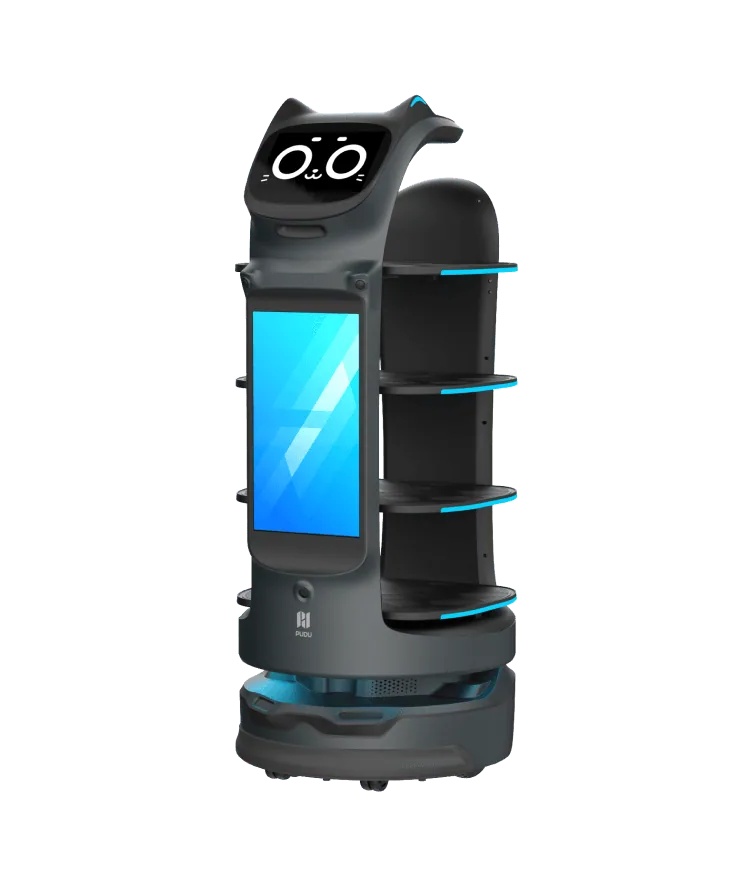
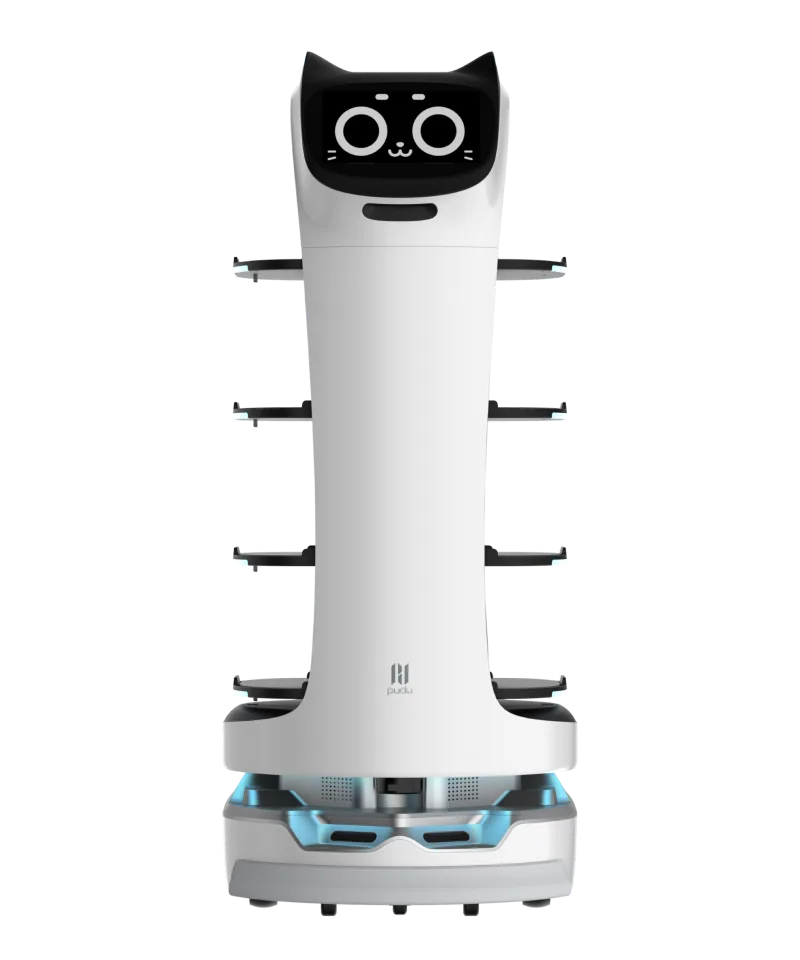
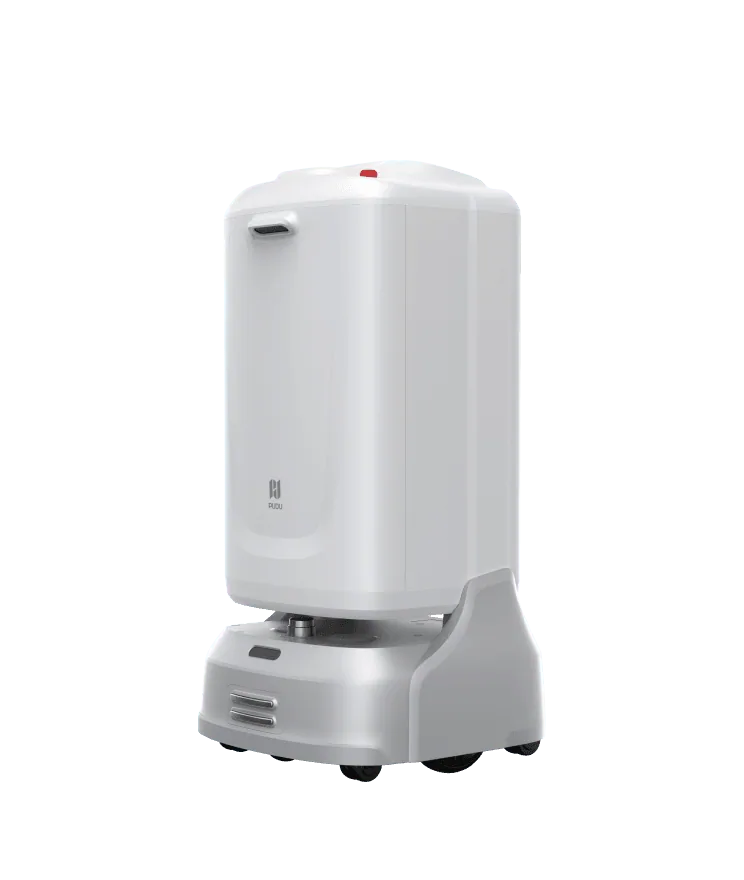
Delivery robots fall into two groups. Tray robots, such as PUDU BellaBot Pro, carry open trays from the kitchen to a table and back. Compartment robots, such as PUDU FlashBot Max, carry closed, lockable compartments to a room door or another department.
Write down the three or four runs the robot will do most often: from where to where, what it carries, how often, at which hours. That list decides the model better than any feature list.
Payload and trays
Look at two figures: the total payload and the load per tray or per layer. PUDU BellaBot Pro carries 40 kg in total and 10 kg per tray, according to its manufacturer. A table of four with heavy plates and drinks can exceed the limit of one tray even when the total is low.
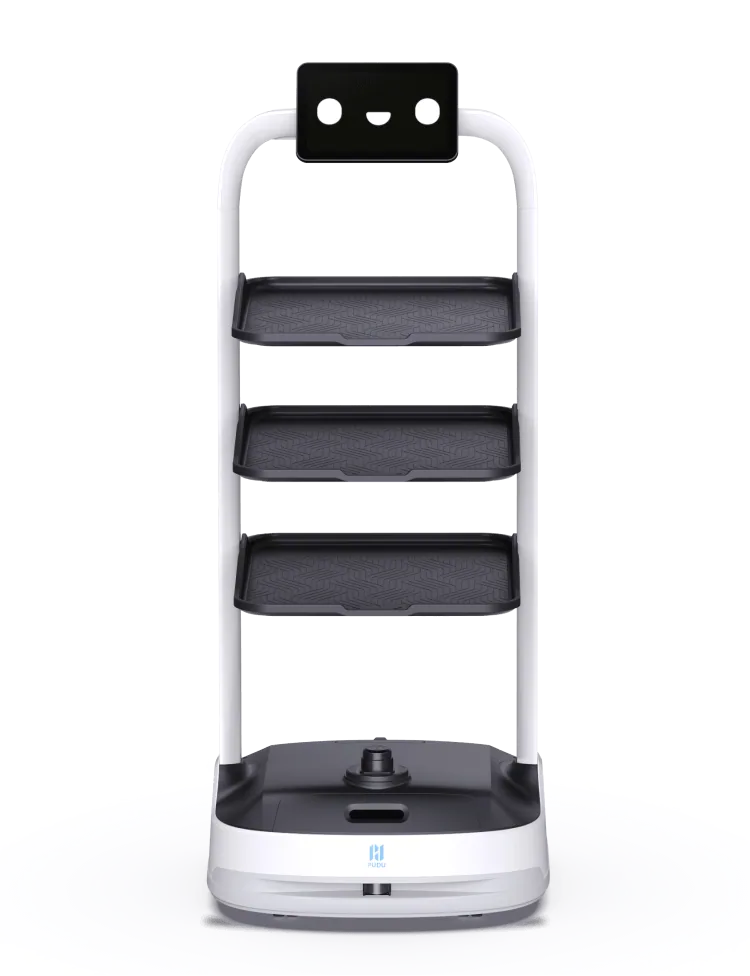
Check the tray size and the height between trays against your largest plates, bowls and jugs. PuduBot 2 has 3 trays by default and up to 7, according to PUDU, which suits flat loads such as plates.
Passage width
The minimum passage width is the narrowest gap the robot can drive through. Measure it on every route, with chairs occupied in a restaurant and with trolleys parked in a hotel corridor. Manufacturers publish it as a single figure; leave a margin.
| Robot | Payload | Minimum passage width | Runtime | Charging time |
|---|---|---|---|---|
| PUDU BellaBot Pro | 40 kg, 10 kg per tray | 65 cm | 11 h, no load | 4.5 h |
| PUDU BellaBot | 40 kg, 10 kg per tray | — | 13 h, no load | 4.5 h |
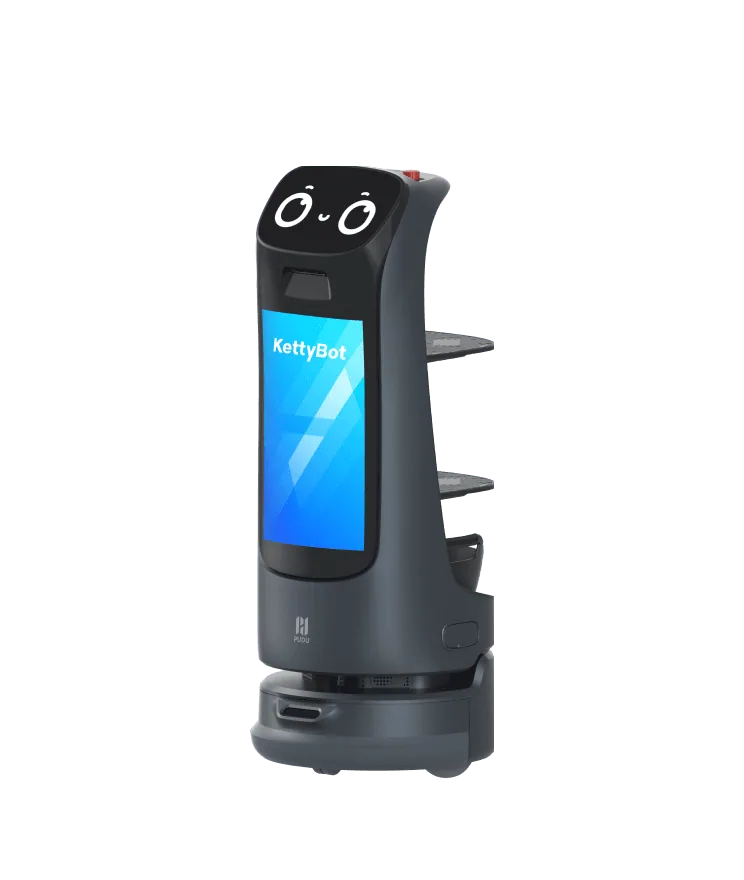
| PUDU KettyBot Pro | 10 kg per layer | 52 cm, in specific situations | 9 h, no load | 3.5 h |
| PUDU PuduBot 2 | 40 kg | 80 cm | — | 4 h |
| PUDU FlashBot Max | 10 kg per layer, 2 to 4 compartments | 60 cm | 9 h | 4 h |
A dash means the manufacturer does not publish the value on its product page, or that the published figure is inconsistent and is left out until confirmed.
Floors, thresholds and slopes
- Floor types: tiles, stone, wood and short carpet behave differently. Note deep carpets, rugs and mats on each route.
- Thresholds and gaps: door thresholds, lift sills and expansion joints stop a robot that cannot cross them. Ramp profiles solve most cases.
- Slopes: compare ramps with the published climbing angle. PUDU states 5° or less for BellaBot.
- Ceilings and landmarks: robots that use ceiling markers or visual SLAM have conditions on ceiling height. PUDU states ceilings up to 30 m for PuduBot 2.
Lifts, doors and gates
A robot that serves several floors must call and ride the lift. PUDU FlashBot Max does this through a cloud or a hardware link, and it can pass turnstiles, according to its manufacturer. Automatic doors and gates need the same kind of link.
Involve your lift maintenance company early: it decides whether a hardware interface can be fitted to your lift and who maintains it.
Runtime and charging
Runtimes are usually published without load. Compare them with your service hours, not with a full day: a robot that runs 9 h, no load, and recharges in 4 h covers a lunch and a dinner service if it charges in between.
Plan one charging position per robot, out of the way of guests, close to a socket. For round-the-clock delivery in a hotel, ask whether the model supports automatic charging and how long a full charge takes.
Connectivity, calls and security
- Wi-Fi: robots need stable coverage on every route, including lift cars and landings, for maps, tasks and updates. Some models also offer 4G.
- Calls: pagers, watches and call buttons let staff send the robot without walking to it. PUDU lists a push-button caller and a 4G watch for BellaBot.
- Access control: for room delivery, compartments that open by password, phone number or NFC keep deliveries private. PUDU lists these three methods for FlashBot Max.
- Screens: PUDU BellaBot Pro and KettyBot Pro carry an 18.5-inch display for promotions.
From shortlist to trial
- Measure the routes and list the loads.
- Remove every model that fails on passage width, payload per tray or lifts.
- Compare runtime with service hours and plan charging positions.
- Check Wi-Fi coverage and the lift interface.
- See the robot at work in a showroom, then test one robot on site with a short rental before ordering a fleet.
Robot Distribution carries out the site survey before any order and confirms compatibility with your site in the written quote.
Sources
- PUDU Robotics BellaBot Pro: Manufacturer product page · PUDU Robotics · accessed
- PUDU Robotics BellaBot: Manufacturer product page · PUDU Robotics · accessed
- PUDU Robotics KettyBot Pro: Manufacturer product page · PUDU Robotics · accessed
- PUDU Robotics PuduBot 2: Manufacturer product page · PUDU Robotics · accessed
- PUDU Robotics FlashBot Max: Manufacturer product page · PUDU Robotics · accessed
Published